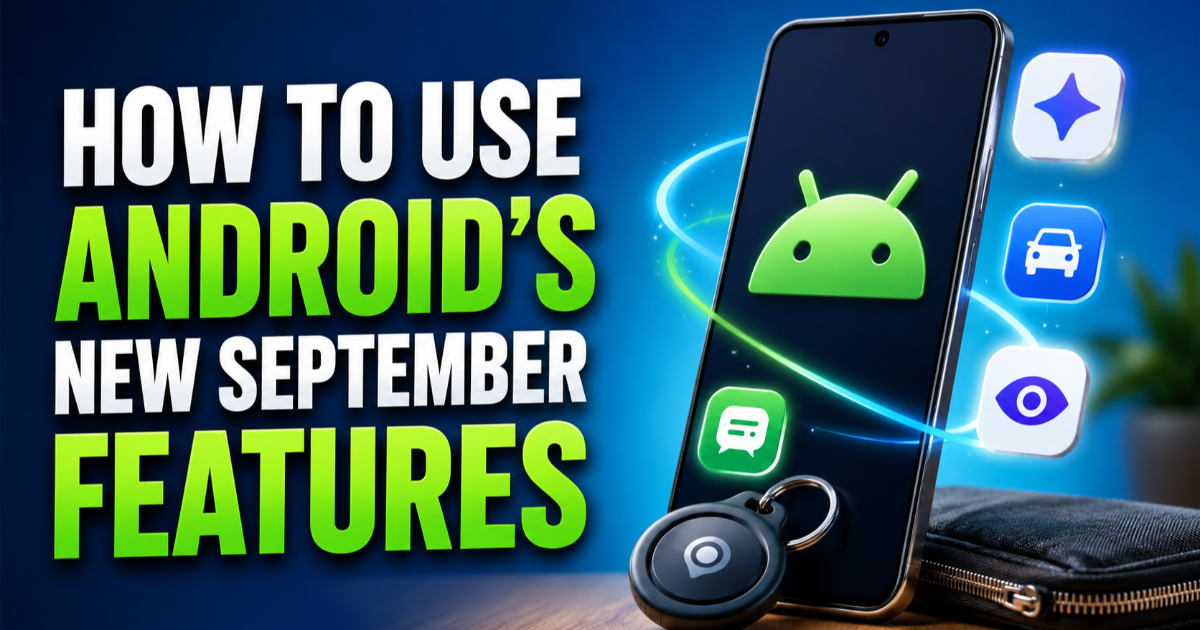
How to Use Android’s New September Features
Google’s September Android Drop adds practical tools for remembering stored items, reducing motion sickness, using Guided vision, collaborating in Messages, and customizing chats.
On this page
Google’s September Android Drop adds several practical tools that are easy to miss unless you know where to look. You can now use Gemini to remember where you stored important items, try Motion Assist to reduce motion sickness, use Guided vision for camera-based help, and work with Google Keep directly inside Messages.
Start with the new item memory feature
The most useful addition for everyday Android users is the ability to ask Gemini to remember where you put something. For example, you can tell Gemini that you placed your passport in a bedroom drawer and optionally attach a photo. Later, you can ask where you stored it or check the remembered items section in Find Hub. Google says this feature works on Android 16 or newer in countries where Gemini and Find Hub are supported.
How to remember where you put something
Open Gemini on a supported Android phone and describe the item and its location in a clear sentence. Include enough detail to make the location useful later, such as the room, drawer, shelf, or container. You can also provide a photo when that gives Gemini more useful context. When you need the information again, ask Gemini about the item or open the remembered items area in Find Hub.
Try Motion Assist while riding in a car
Motion Assist is designed for people who feel uncomfortable looking at a phone while riding in a moving vehicle. It places a subtle animated bubble overlay on the display that moves with the vehicle, giving your visual system another motion cue while you read, browse, or watch something. Google says the feature is available on phones running Android 17.
Set up Motion Assist for easier access
Motion Assist can be configured to turn on automatically, and Google also allows it to be added to Quick Settings. You can adjust the bubble’s appearance, including its shape, color, and opacity. That makes the feature practical for regular passengers rather than something you need to configure from scratch every time you travel.
Use Guided vision through Gemini Live
Guided vision brings camera-based assistance to Gemini Live. After sharing your camera, Gemini can describe what is in front of you and provide spoken guidance when the camera needs to be repositioned. Google specifically describes uses such as reading small text on food packaging, understanding a menu in dim lighting, and identifying household objects.
Make Guided vision easier to launch
Google says Guided vision can be added to Accessibility shortcuts or accessed through the TalkBack menu or Gemini app settings. The feature is coming to phones running Android 9 or newer in countries where Gemini is available. Because Google warns that Guided vision can make mistakes, it should not be treated as a navigation or obstacle-detection system.
Collaborate in Google Messages without switching apps
Google Messages is also gaining a tighter connection with Google Keep. You can use the plus button in a conversation to bring Keep into the chat, allowing people to create and update shared notes or lists together. That is useful for things such as grocery lists and trip planning because participants can work on the same information without leaving the conversation. Google says the rollout starts with the September Android Drop.
Give individual chats their own themes
Google Messages now lets you customize individual conversations with backgrounds and colors. You can select a built-in wallpaper or use your own photo, while the chat bubbles can be matched to the selected appearance. The result is a different visual style for each conversation rather than one setting applied across every chat.
Check which features your phone supports
These features do not all depend on the same Android version or service. The item-memory feature requires Android 16 or newer in supported regions, Motion Assist requires Android 17, and Guided vision is coming to Android 9 or newer where Gemini is available. Google Messages features can also depend on their individual rollout, so seeing one new option does not necessarily mean every feature has reached your phone yet.
The September Android Drop is less about one dramatic system change and more about removing small annoyances from everyday phone use. If your device has received the relevant features, start with the one that solves a problem you actually have: remembering stored items, using your phone more comfortably in a car, getting camera-based assistance, or collaborating directly from Messages.
Share this post