GitHub Copilot App for Beginners: Manage AI Workflows
Learn how to use the GitHub Copilot app for agent-driven development, from creating your first session and managing issues to running parallel workflows, reviewing code, and controlling AI autonomy.
On this page
What Is the GitHub Copilot App?
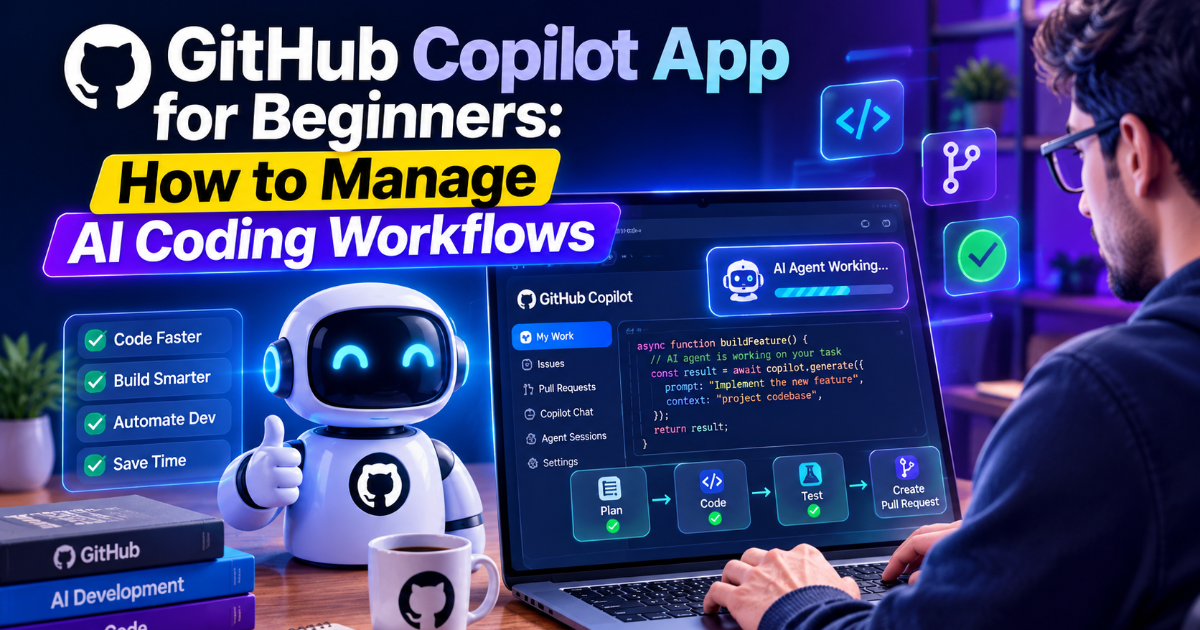
The GitHub Copilot app is a desktop workspace designed for agent-driven software development. Instead of switching between an IDE, terminal, GitHub issues, pull requests, and browser tabs, developers can use one application to direct AI agents, monitor their work, review changes, and manage the pull-request lifecycle. GitHub says the app is available for macOS, Windows, and Linux and supports Copilot plans.
For beginners, the important change is that Copilot is no longer limited to suggesting code inside an editor. The app is designed around sessions and tasks, allowing an agent to work on a specific piece of development while you supervise its progress.
Why the Copilot App Is Different From Traditional AI Coding Assistants
A conventional coding assistant usually works inside your editor. You ask a question, request a code change, or accept a suggestion. The GitHub Copilot app is built around a broader workflow: you give an agent a task, provide the necessary context, let it work in an isolated environment, inspect the result, and then review or merge the resulting changes.
GitHub's documentation describes separate agent sessions, each with its own isolated workspace. This makes it possible to work on multiple tasks simultaneously without mixing the files and context belonging to different jobs.
Getting Started With the GitHub Copilot App
The basic workflow is straightforward. Install the desktop application, sign in with your GitHub account, connect a repository or local folder, and create your first session. GitHub's getting-started documentation also provides a Quick Chat mode for asking questions before creating a dedicated development session.
Before asking an agent to modify a project, make sure the repository is in a usable state. A clean working tree, clear project structure, and understandable task description make it easier to determine whether the agent's changes are correct.
Understanding My Work
One of the most useful areas for beginners is My Work. It brings GitHub issues and pull requests into the app so you can find development tasks without constantly moving between different GitHub pages.
You can browse and filter issues, open an issue, and start a new session with the issue's context already loaded. GitHub also provides options such as Plan mode and Interactive mode so you can decide how much control the agent should have while working.
Start an AI Coding Task From a GitHub Issue
A practical way to use the app is to turn an existing GitHub issue into an agent task.
- Open My Work in the Copilot app.
- Find the issue you want to work on.
- Open the issue and select New session.
- Choose the appropriate session mode.
- Describe the implementation you want the agent to perform.
- Review the agent's proposed changes.
- Run tests and inspect the resulting diff.
- Create or update the pull request when the work is ready.
The advantage is that the agent starts with the issue context rather than requiring you to copy the entire task into a new conversation. GitHub's documentation also describes workflows for reviewing pull requests, responding to review comments, and addressing failing CI checks from the app.
Choose the Right Session Mode
The app provides different levels of agent autonomy. Interactive mode is useful when you want to collaborate closely with the agent. Plan mode is useful when you want the agent to propose an approach before making changes. Autopilot is intended for tasks where you are comfortable giving the agent substantially more independence.
For beginners, Plan mode is often a sensible starting point for unfamiliar codebases. It lets you evaluate the proposed approach before allowing the agent to make a larger set of changes.
Run Multiple AI Coding Sessions in Parallel
One of the app's main advantages is parallel work. Each session can run in an isolated workspace, allowing you to work on separate tasks without forcing one agent to finish before another starts.
For example, one session could investigate a frontend bug while another updates documentation and a third works on a small backend issue. Because the sessions are isolated, their files and branches do not have to be mixed together.
Parallel execution does not mean every task should be delegated simultaneously. Independent tasks are the best candidates. If two changes modify the same critical files, running them independently can create unnecessary integration work.
Use the Agent's Built-In Development Workflow
The Copilot app is designed to cover more than code generation. GitHub describes a workflow that can include creating branches, modifying code, running tests, reviewing diffs, checking CI results, and preparing pull requests.
This matters because generated code is only useful when it can be evaluated. A good agent workflow therefore looks less like prompt → code → finished and more like task → plan → implementation → tests → review → correction → merge.
How to Write Better Prompts for Coding Agents
Beginners often give agents instructions that are too broad. Instead of saying, "Fix my application," describe the problem, expected behavior, relevant files, constraints, and validation requirements.
A stronger task might say that a login form fails when an invalid password is submitted, explain the expected error behavior, ask the agent to inspect the existing authentication flow, and require the relevant tests to pass before considering the task complete.
Good prompts reduce ambiguity. They also make it easier to judge whether the agent actually completed the requested work.
Use Repository Instructions and Agent Skills
The Copilot app can be customized with global and repository-specific instructions. GitHub also supports agent skills, MCP servers, custom agents, and other extensions that allow developers to tailor how agents operate within their projects.
This becomes particularly useful for teams with established coding conventions. Instead of repeating the same requirements in every prompt, developers can provide persistent instructions about architecture, testing, formatting, security practices, or preferred tools.
Review the Code Before You Merge
Agent-driven development does not remove the need for code review. In fact, the ability to generate larger changes makes review more important.
Inspect the diff rather than judging the result only by whether the application appears to work. Look for unnecessary changes, incorrect assumptions, security problems, missing error handling, and modifications outside the requested scope.
The Copilot app supports reviewing pull requests and working through review comments and failing CI checks, keeping these steps within the same development workflow.
How to Control AI Usage and Cost
Using a more capable model for every task is not always the most efficient approach. GitHub's documentation recommends matching model capability to task complexity and using lighter models for straightforward work while reserving more capable models for complex debugging and multi-step tasks.
The same principle applies to session modes. Use Quick Chat when you only need to explore an idea. Use Plan mode when you need to understand the proposed implementation. Move to Interactive or Autopilot when the task is sufficiently clear and you are comfortable with the selected level of autonomy.
Common Beginner Mistakes
Giving the Agent an Unclear Goal
Vague instructions make it difficult for an agent to determine what success looks like. State the problem and expected result as clearly as possible.
Skipping the Plan
For unfamiliar projects, immediately allowing an agent to make broad changes can create unnecessary rework. Planning first can reveal incorrect assumptions before they become code.
Trusting Generated Code Without Reviewing It
An agent can produce code that looks convincing while still misunderstanding the application's architecture or business rules. Always inspect important changes and test the result.
Running Too Many Agents at Once
Parallel sessions are useful when tasks are independent. Using them for tightly connected changes can increase merge conflicts and review overhead.
Ignoring Project-Specific Instructions
Agents perform better when they understand the project's conventions. Repository instructions and reusable skills can reduce repeated explanations and make results more consistent.
A Simple Beginner Workflow
If you are new to agent-driven development, start with a small issue rather than a major feature. Open the issue, create a session, choose Plan mode, inspect the proposed approach, and then allow the agent to implement the change.
Afterward, inspect the diff, run the project's tests, check the application manually when appropriate, and review the pull request. Once you are comfortable with this workflow, experiment with parallel sessions and more autonomous modes.
This gradual approach is more useful than immediately handing an entire application to an autonomous agent. The objective is to learn where the agent is reliable and where human judgment remains necessary.
What the GitHub Copilot App Means for Developers
The larger shift is from AI-assisted typing toward AI-assisted software workflows. GitHub's current Copilot experience connects agents with repositories, issues, pull requests, CI, multiple models, and development tools rather than treating AI as a feature that lives only inside a code editor.
That does not mean developers become unnecessary. It changes where their attention goes. Instead of manually writing every implementation detail, developers can spend more time defining requirements, reviewing architecture, validating results, and deciding what should happen next.
Final Takeaway
The GitHub Copilot app is best understood as a control center for AI-assisted development rather than simply another coding chatbot. Its combination of isolated sessions, GitHub context, multiple agent modes, parallel workflows, and pull-request management makes it possible to delegate more of the development process while keeping the developer involved in review and decision-making.
For beginners, the best starting point is simple: choose a small issue, create a session, use Plan mode to understand the approach, let the agent make a focused change, test the result, and review the diff before merging. Once that workflow becomes familiar, the more advanced capabilities become much easier to use effectively.
FAQ
What is the GitHub Copilot app used for?
It is a desktop application for directing AI agents through software development tasks, including working with repositories, issues, pull requests, code changes, tests, and reviews.
Can I run multiple Copilot agent sessions?
Yes. The app supports multiple isolated sessions so developers can work on separate tasks in parallel.
Which operating systems support the GitHub Copilot app?
The app supports Windows, macOS, and Linux.
Should beginners use Autopilot mode?
Beginners may want to start with Plan or Interactive mode so they can understand and supervise the agent's approach before using more autonomous workflows.
Can GitHub Copilot work directly with GitHub issues and pull requests?
Yes. The app can use issue context to start sessions and provides workflows for reviewing pull requests, responding to review comments, addressing CI failures, and merging changes.
Written by