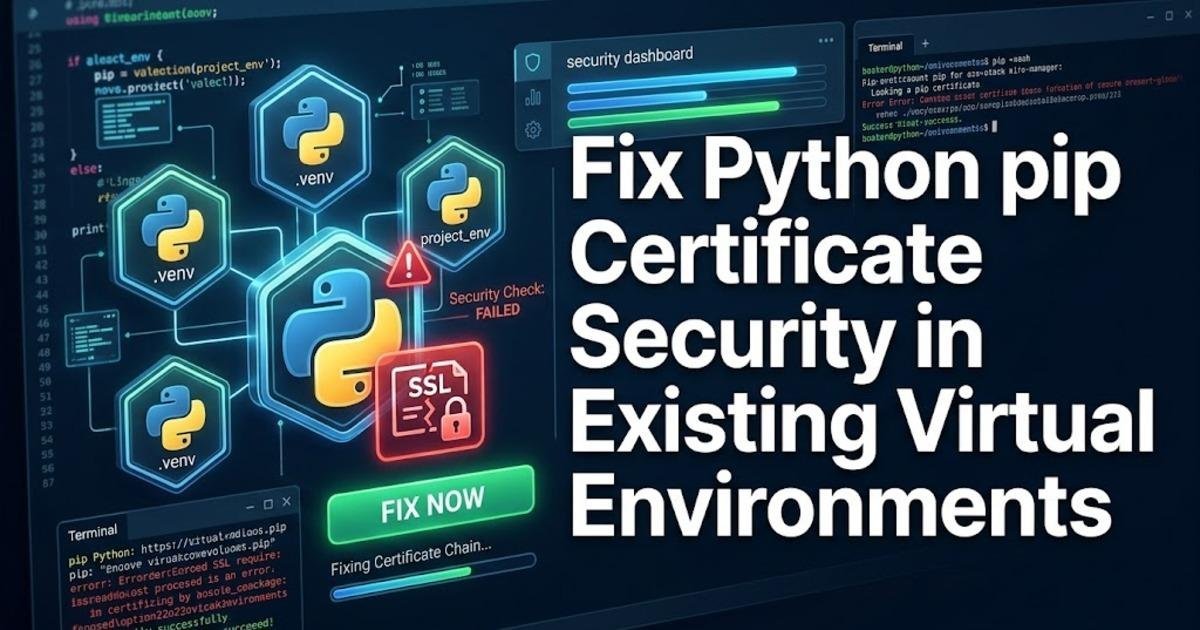
Fix Python pip Certificate Security in Existing Virtual Environments
Learn how to fix Python pip certificate security in existing virtual environments after the October 2026 eMudhra/emSign incident. Check your interpreter, update pip and certifi safely, and verify the result without disabling TLS certificate checks.
On this page
A Python installation can be up to date while the virtual environment running your application still uses outdated certificate data. On October 21, 2026, the Python project released Python 3.15.1, 3.14.9 and 3.13.17 with updated package-installation components following an eMudhra/emSign certificate security incident. If you maintain Python projects, the important task is to update the tools inside each existing environment rather than assuming that installing a newer Python version fixes everything. This tutorial walks through checking your interpreter, updating pip and certifi, and verifying that your project can still install packages securely.
Why updating Python alone may not fix the problem
Python uses Transport Layer Security (TLS), the protocol that protects connections to package repositories, to download software over encrypted connections. During certificate verification, a client checks whether the certificate presented by a server chains to a trusted certificate authority. The eMudhra/emSign incident prompted updates to certificate trust data used by Python package-management tools. An outdated trust bundle can leave a tool vulnerable to accepting certificates that should no longer be trusted.
The distinction between the Python installation and its virtual environments matters here. A virtual environment is an isolated collection of Python executables and installed packages for one project. It commonly has its own copy of pip, the package installer, and may have its own version of certifi, a package containing a curated collection of trusted root certificates. Updating the system interpreter does not automatically update every package already installed in every environment.
The official Python maintenance releases include pip 26.2.2, which incorporates certifi 2026.10.19. The Python project's October 21 announcement recommends updating pip and uv in existing environments as well. uv is a separate Python package and project management tool. The practical implication is straightforward: check the tools you actually use to download dependencies, not just the version printed by python --version.
Check which Python environment your project uses
Open a terminal in your project directory before changing anything. Activate its existing virtual environment so that subsequent commands target the right installation. On Windows, a typical environment created with python -m venv.venv can be activated in PowerShell with the following command:
..venv\Scripts\Activate.ps1
python --version
python -m pip --version
python -m pip show certifi
On Linux or macOS, activate the same type of environment with source.venv/bin/activate, then run the three inspection commands. The Python version identifies the interpreter, the pip output shows which environment contains the installer, and the certifi output reports the installed certificate package if one is present. If certifi is missing, pip will report that it cannot find the package in the environment; that alone does not establish whether the tool's certificate handling is affected.
Pay attention to the paths printed by pip. If they point to a global Python installation instead of your project's .venv directory, stop and correct the activation before proceeding. Using python -m pip instead of a bare pip command helps ensure that pip belongs to the interpreter selected by python.
Update pip using the security advisory's verified installation method
Do not blindly start with the usual python -m pip install --upgrade pip command on an environment that may still trust affected certificates. That command downloads the replacement installer, so the security of the download itself matters. The Python Security Response Team published a specific, hash-pinned installation command for pip 26.2.2. A hash-pinned package installation checks that the downloaded file matches a known cryptographic fingerprint, helping prevent an altered file from being installed.
Open the official Python announcement about the eMudhra/emSign certificate incident and use its complete pip 26.2.2 wheel command, including the supplied SHA-256 hash. Run it inside the activated virtual environment. A wheel is a prebuilt Python package file; installing the verified wheel allows you to replace the old installer without first relying on the ordinary package-index download path. Do not substitute an unverified download address or remove the hash from the command.
When the command completes, verify the installed version:
python -m pip --versionCheck that the output identifies pip 26.2.2 and the intended environment. If installation fails because of an unsupported Python version, permissions, or a package-manager restriction, investigate that specific problem instead of repeatedly running the same command. Pip 26.2.2 supports Python 3.10 and later; projects using older interpreters may need a Python upgrade and a carefully planned environment rebuild.
Upgrade certifi and check the resulting version
Once the installer has been updated using the verified method, upgrade certifi in the active environment. This updates the certificate bundle used by software that relies on certifi rather than another trust store.
python -m pip install --upgrade certifi
python -m pip show certifi
Inspect the version reported by the second command. For this incident, the Python release announcement identifies certifi 2026.10.19 as the relevant updated bundle. Do not assume that any successful package installation proves the entire machine is secure: different libraries, command-line tools and operating-system components may use different certificate stores. If the environment uses an alternative trust configuration, check that configuration separately.
If pip reports that the environment cannot reach the package repository or fails certificate verification, do not disable certificate checks to get past the error. Disabling verification removes an important protection against malicious package downloads. Instead, follow the official incident guidance for the installation type in question and verify that the bootstrap command is using the expected interpreter and trusted package file.
Repeat the fix for every environment that downloads packages
A common maintenance mistake is fixing one project and assuming all the others inherit the change. They do not necessarily do so. A virtual environment created last month can retain its own pip installation even after the system Python has been upgraded, and a second environment may use a different interpreter entirely.
Repeat the inspection and update procedure for each environment you use to install or upgrade Python packages. Include environments used by scheduled jobs, development tools and deployment scripts. If you manage environments with uv, update that tool as well using the official incident guidance for its installation method; upgrading pip does not automatically update a separately installed uv executable.
Conda environments require particular care because Conda manages packages and certificate-related dependencies through its own package system. Check the current Conda guidance and update its relevant certificate packages using Conda rather than assuming that a pip-only change covers the whole environment. Similarly, a container image can continue to carry old package-management tools even after the host machine has been patched, so rebuild and redeploy affected images when necessary.
Verify the fix without weakening certificate checks
After the updates, confirm that pip and certifi report the expected versions in each environment. Then perform an ordinary package metadata or installation operation against your configured, trusted repository while keeping certificate verification enabled. A successful operation confirms that the current connection works, but it is not a complete security audit and does not independently prove that every certificate store has been corrected.
For a project with a dependency lock file, preserve the existing dependency versions unless a separate dependency update is intended. Updating pip and certifi is maintenance of the tools used to obtain packages; it is not a reason to upgrade every application dependency at the same time. Run the project's normal tests afterward to catch unexpected changes in its environment.
Finally, check the Python project's security announcements and the release notes for the tools you use. Python 3.15.1, 3.14.9 and 3.13.17 include the updated pip in their installers, but older supported branches and third-party distributions may have different upgrade paths. The safest next step is to make the update part of your environment-creation procedure, so a newly created virtual environment does not quietly reintroduce an outdated package installer.
Share this post

Written by